
Office and study displays
Consider clear text, eye comfort features, practical screen size, adjustability and suitable HDMI or DisplayPort inputs.
Explore real Dell, HP, LG, BenQ, Samsung, ASUS, Acer, MSI and Lenovo monitor references in Agartala. Compare gaming, office, QHD and 4K displays before requesting a quote.
SIGMA SYSTEMS · DISPLAY STUDIO
Explore real monitor models for home, office, coding, gaming and creative work. Compare size, resolution, refresh rate and connectivity, then ask Sigma Systems for an exact local quotation.
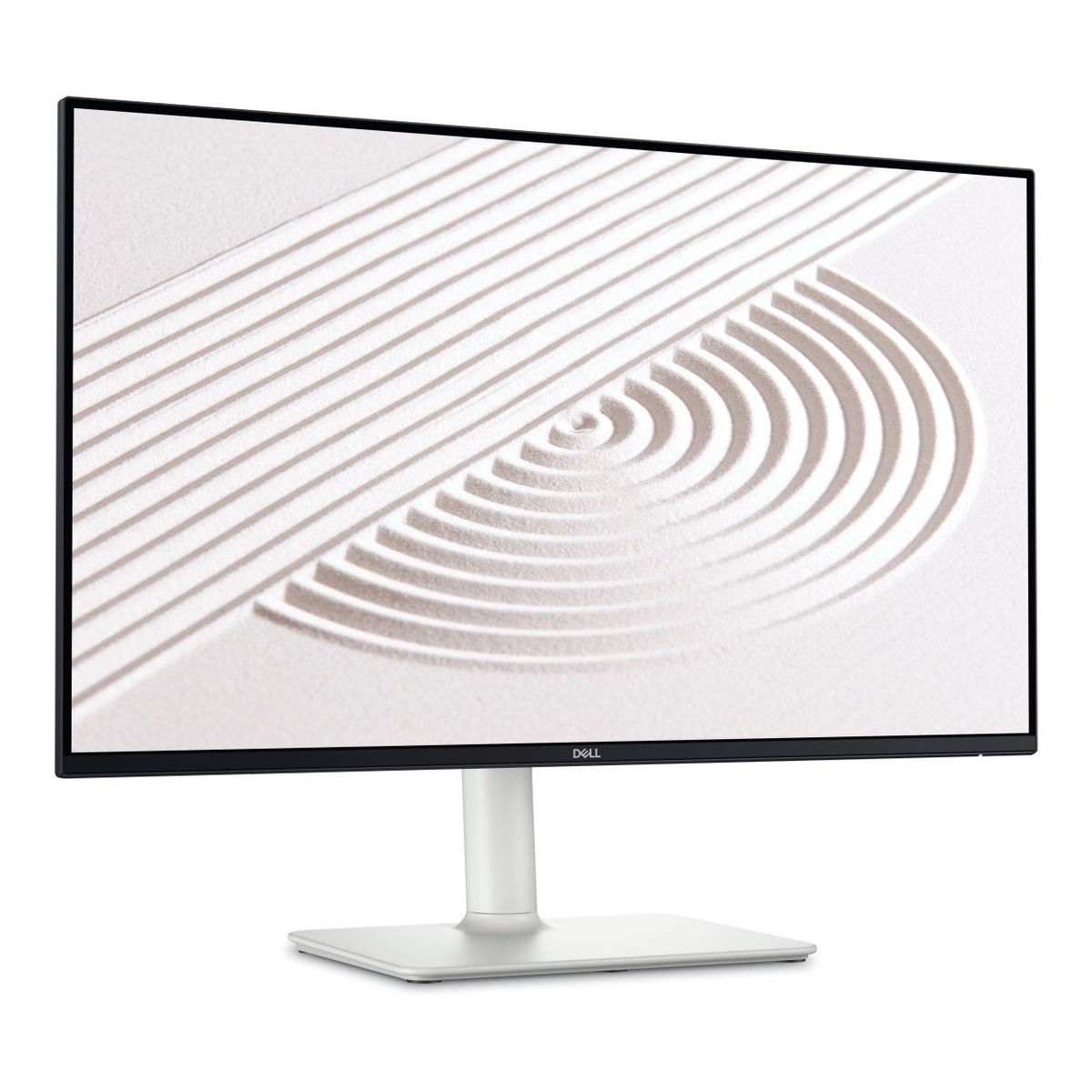
Choose what matters first. We’ll narrow the showroom to the monitor models worth considering.
Explore actual model families, with real product photo references, screen specifications and clear feature summaries.
Try another brand, monitor type or search term.
Compare up to three monitors from the catalogue for a useful side-by-side view.
Use “+ Compare” on any monitor card. Your selections will appear together below.
Browse monitor models ↗Send the model name and intended use. We’ll help with actual configuration, availability, warranty and a quotation.
A monitor affects comfort every day. Think about your desk space, viewing distance, text sharpness, colour needs, connection ports and whether smooth gameplay matters. A larger screen is not automatically better if the resolution and ergonomics are unsuitable.
Consider clear text, eye comfort features, practical screen size, adjustability and suitable HDMI or DisplayPort inputs.
Check refresh rate, adaptive-sync support, response performance and the graphics capability of your computer.
Colour accuracy, panel characteristics, resolution and calibration support may matter for photo, video and design workflows.
Confirm your computer supports the intended displays and has enough output connections or compatible adapters.
Send your preferred specifications, budget and quantity. Product availability, current prices and warranty terms are confirmed by the shop before purchase.
These are general buying considerations, not a statement of current stock or specific prices.
It can be suitable for many users, particularly at smaller screen sizes. At larger sizes, higher resolutions may improve sharpness.
Smoothness can be noticeable, but ergonomics, clarity and connectivity may matter more for everyday office use.
Match the monitor inputs to your desktop or laptop output ports, including supported resolutions and refresh rates.